
View All Tutorials
How to Create a Custom URL for your Event
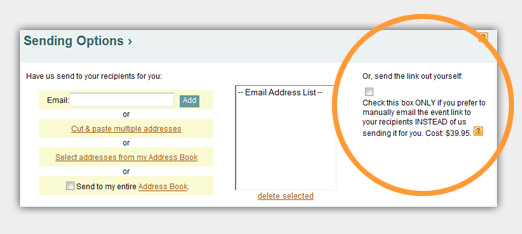
1. On the MAIN INFO screen, check the box that allows you to manually send your event and click SEND to pay for the functionality, $39.95.
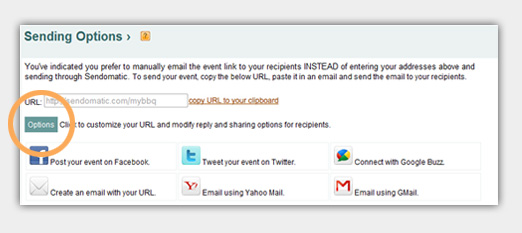
2. Go to your account and click on EDIT EVENT. Under SENDING OPTIONS, click OPTIONS.
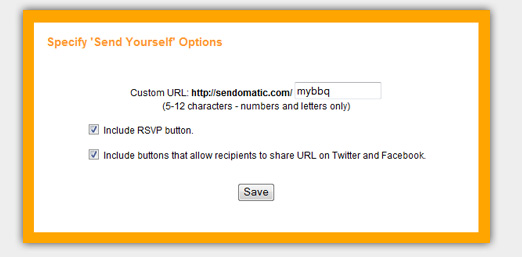
3. You can enter any ending that you would like to your url - 5-12 characters numbers and letters only. To offer an RSVP option to guests, check the box. To allow your recipients to share on Facebook and Twitter, check the box.
Have more questions that are not listed above? Search our Knowledge Base.
Try Sendo Now!
FREE! Send to 10 people or just test it out!